Your data. Your choice.

Continue is the open-source AI code assistant that puts you in control. Customize everything, run anywhere, and build infrastructure that gets better over time.

Choice, secure governance, and data control

Solo

Stay ahead with open, flexible AI development

Local-first, model-flexible, and
zero lock-in.

Continue is an open-source IDE extension that lets developers build custom AI coding assistants with full control. Use any model, define your own rules, and tap into community tools—all without vendor lock-in or usage limits.

Team

Collaborate securely
without losing control

Keeping control over data with
secure, centralized AI tooling.

Continue is an open-source IDE extension that lets developers build custom AI coding assistants with full control. Use any model, define your own rules, and tap into community tools—all without vendor lock-in or usage limits.

Enterprise

Scale AI securely

—on your terms

Secure deployment, full
integration, data protected.

Continue is an open-source IDE extension that lets developers build custom AI coding assistants with full control. Use any model, define your own rules, and tap into community tools—all without vendor lock-in or usage limits.

01

Agent mode

Agent equips the Chat model with the tools needed to handle a wide range of coding tasks
02

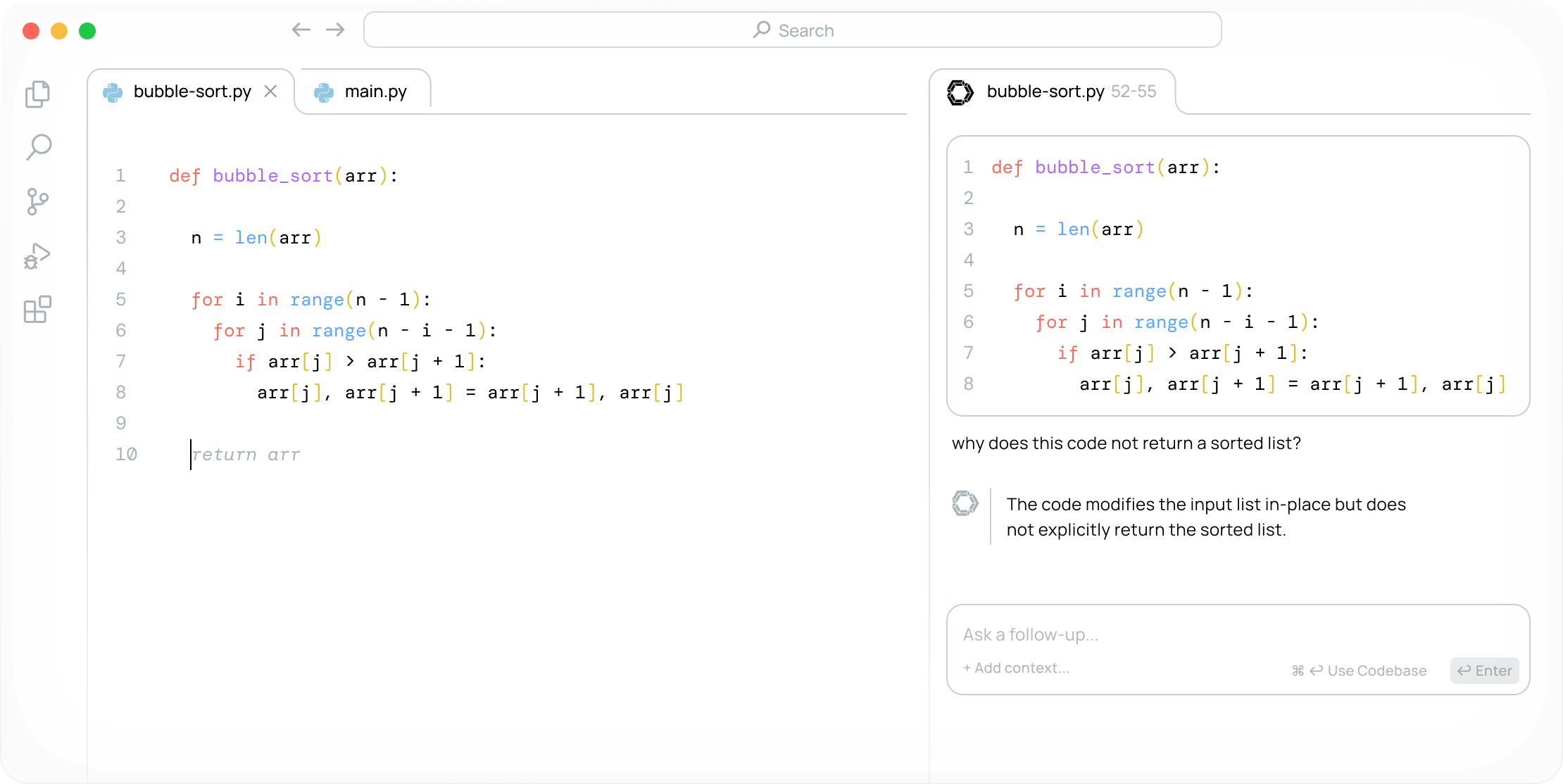
Reference and chat

Attach code or other context to ask questions about functions, files, the entire codebase, and more
03

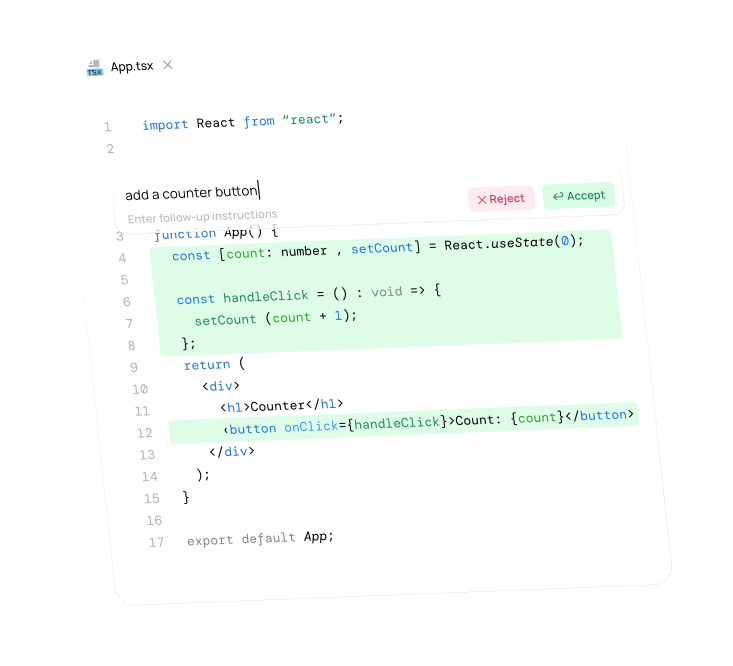
Highlight and edit

Select code sections and press a keyboard shortcut to rewrite code from natural language
04

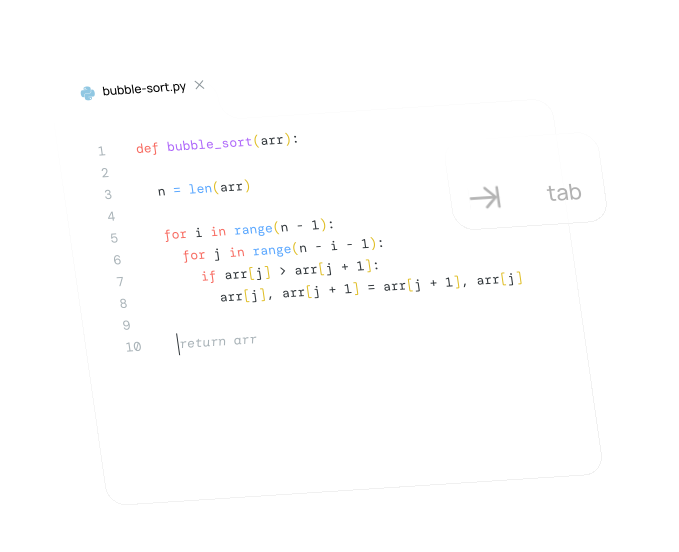
Tab to autocomplete

Continue autocompletes single lines or entire sections of code in any programming language as you type
01

Agent mode

Agent equips the Chat model with the tools needed to handle a wide range of coding tasks
02

Reference and chat

Attach code or other context to ask questions about functions, files, the entire codebase, and more
03

Highlight and edit

Select code sections and press a keyboard shortcut to rewrite code from natural language
04

Tab to autocomplete

Continue autocompletes single lines or entire sections of code in any programming language as you type

Make your own custom AI code assistants

01

Embrace AI-native development with confidence

towards a future where developers in your organization are amplified, not automated

02

Take your AI-native development to the next level now

with custom AI code assistants tailored to your environment, tools, and development practices

03

Shape the path forward for your AI-native development

by ensuring your custom code assistants keep up as you and AI capabilities evolve over time

Accelerate your development
with Continue

01

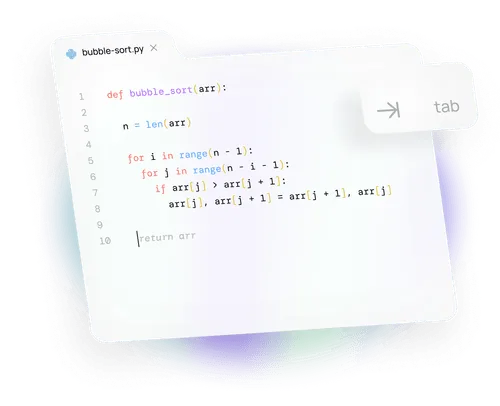
Tab to autocomplete

Continue autocompletes single lines or entire sections of code in any programming language as you type

02

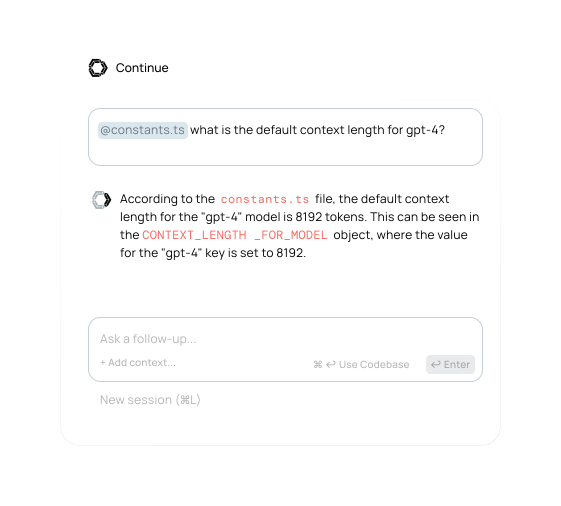
Reference and chat

Attach code or other context to ask questions about functions, files, the entire codebase, and more

03

Highlight and edit

Select code sections and press a keyboard shortcut to rewrite code from natural language
01

Tab to autocomplete

Continue completes single lines or entire sections of code in any programming language as you type
02

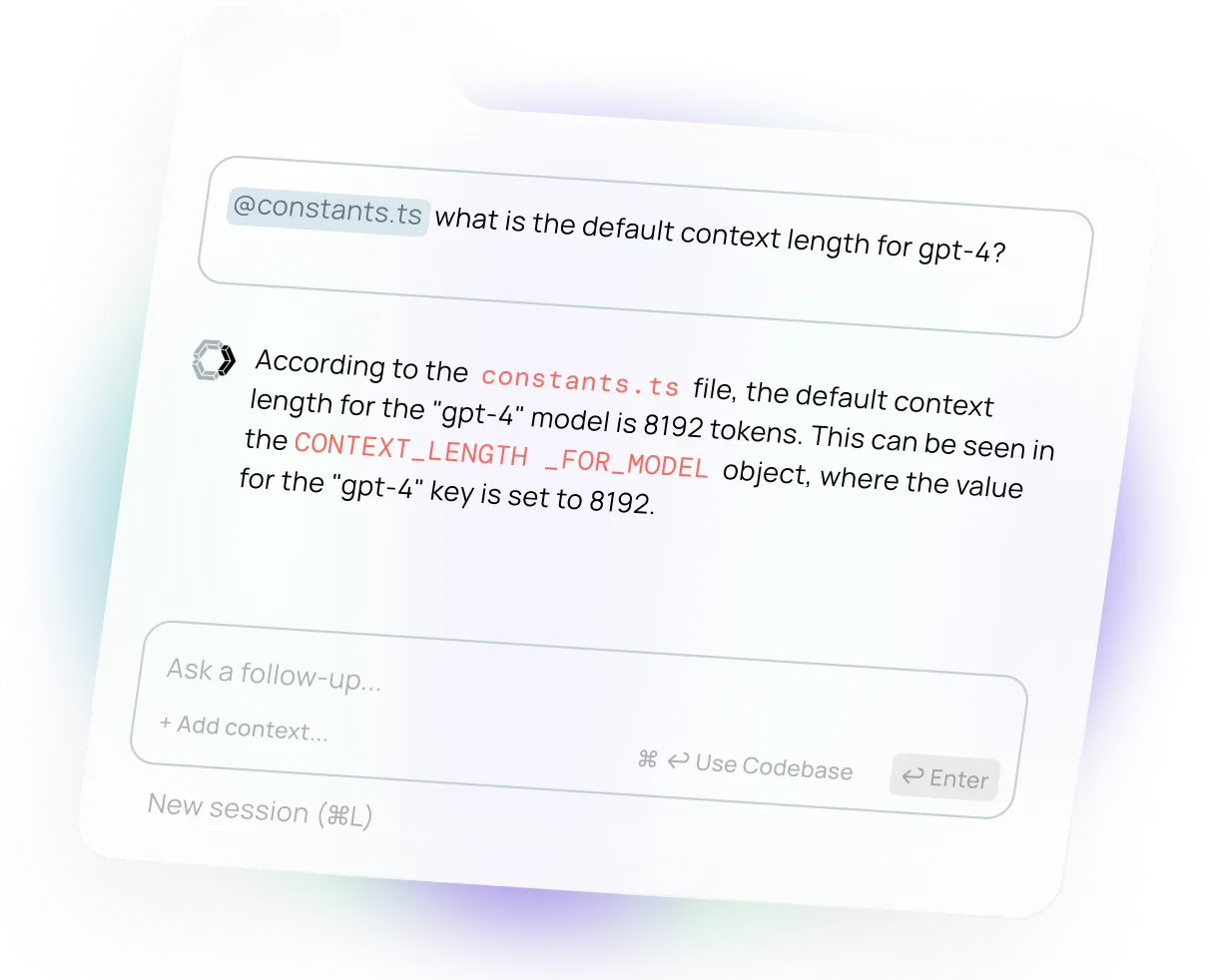
Reference and chat

Reference parts of your code and ask questions about functions, files, or even the entire codebase
03

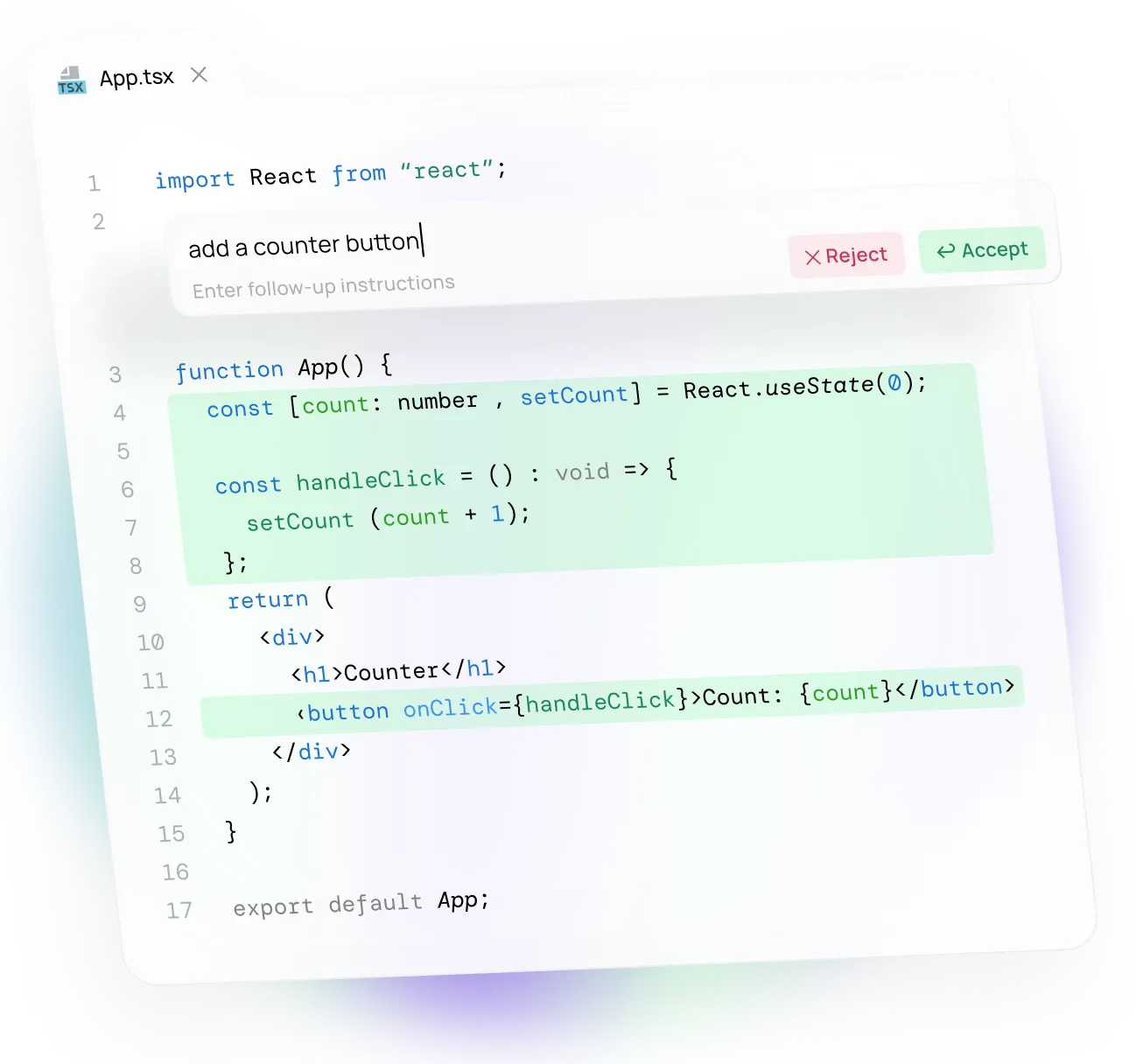
Highlight and instruct

Highlight code sections and press a keyboard shortcut to rewrite code from natural language

Create, share, and use custom AI code assistants

Discover the models, rules, prompts, docs, and other building blocks you need to become an amplified developer
Continue Hub